The venue photo-sharing kit
A practical guide for teams adding a branded photo album to their wedding or event package. Use it to brief staff, prepare signage and give clients a clear handover.
Download the staff & client kit
1. Prepare the booking
- Agree the intended audience, event name and event date with your client.
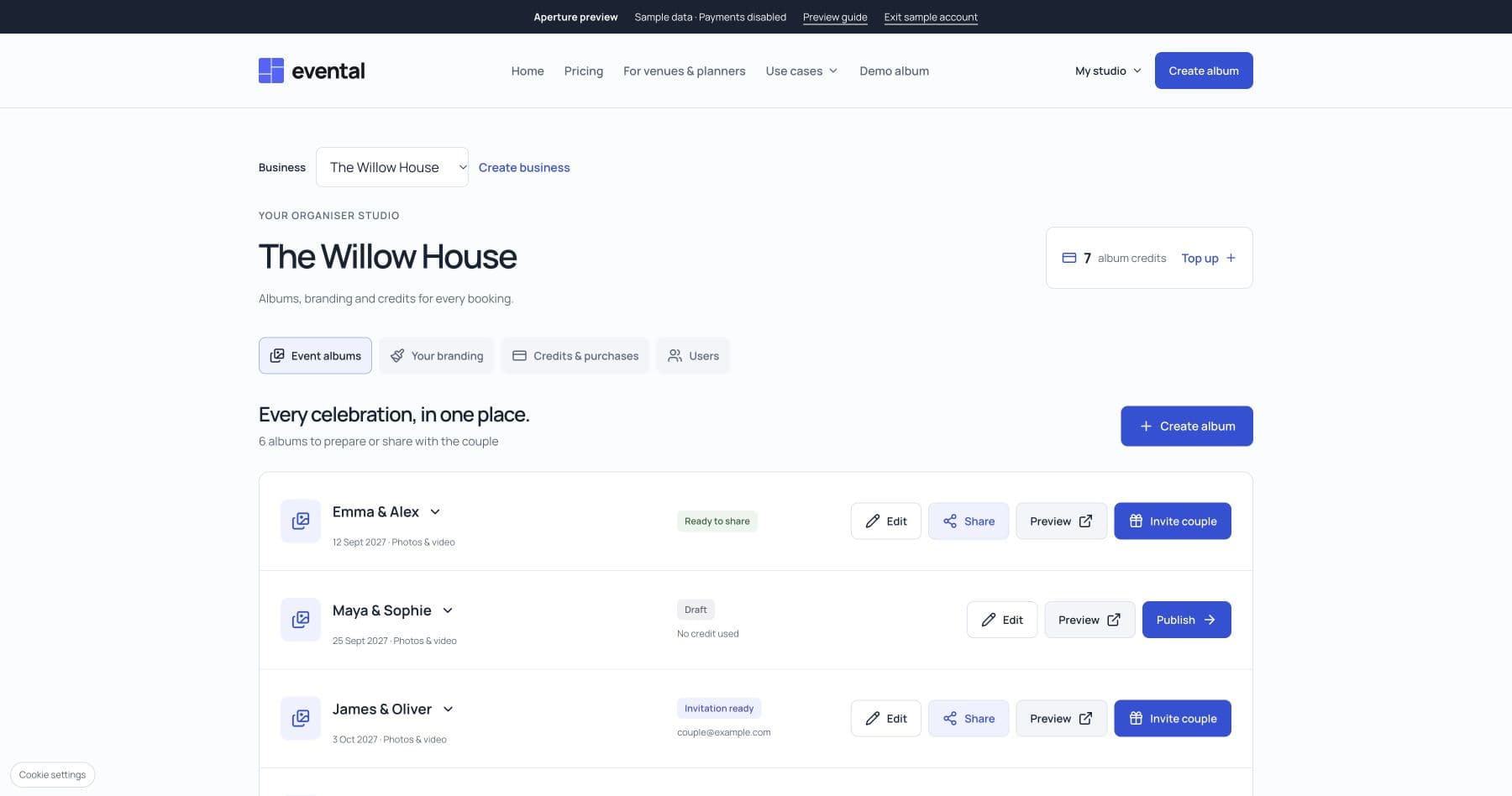
- Save your venue’s logo, colour and welcome message in the organiser studio.
- Create a free draft and check the client’s details before spending a credit.
- Choose guest access and approval settings appropriate to the booking.
2. Publish and test
- Use one prepaid album credit when the booking is ready to publish.
- Check the album date and hosting period shown in the studio.
- Download its QR code, add it to a printable sign, and test the actual print.
- Check the guest experience from a signed-out phone and confirm that uploads are open.
3. Brief the event team
Suggested host announcement: “We’d love to see the day through your eyes. Scan the photo sign and add your favourite moments. You don’t need to download an app.”
Put cards on tables and a sign near the guestbook. Guests need an internet connection; if the venue connection is unreliable, encourage them to use the same link later.
4. Hand the album to the client
1. Venue invitesCreate the ownership invitation for the agreed client email.
2. Client acceptsThe client signs in and accepts ownership of the prepared album.
3. Guests keep sharingThe same album link and printed QR code continue to work.
- From the studio, create an ownership invitation for the client’s correct email address.
- Share the invitation using your normal client communication. The client signs in and accepts it.
- Confirm that the studio records the handover. The album URL and QR code stay the same.
- Remind the client to download their collection before hosting ends. Your account retains the booking and credit history.
Client message you can adapt
Your event photo album is ready. Use the ownership invitation to sign in and take control of it. Your guests can use the QR code or album link to contribute from their browser. Please check the guest settings and hosting end date, and keep a downloaded copy of your photos before that date.
Explore albums as part of a venue package · See organiser branding and credit bundles