Free wedding photo QR code sign templates
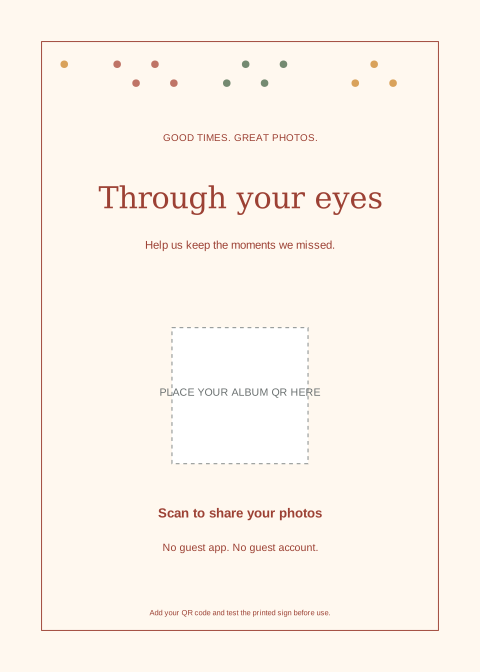
Three original designs, ready to adapt for your celebration. Download without signing up, insert your own album QR code and print at home or with your stationer.
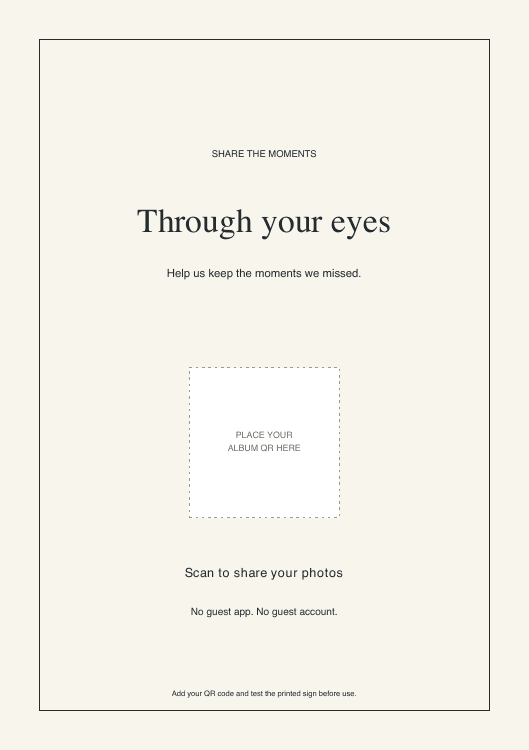
Editorial
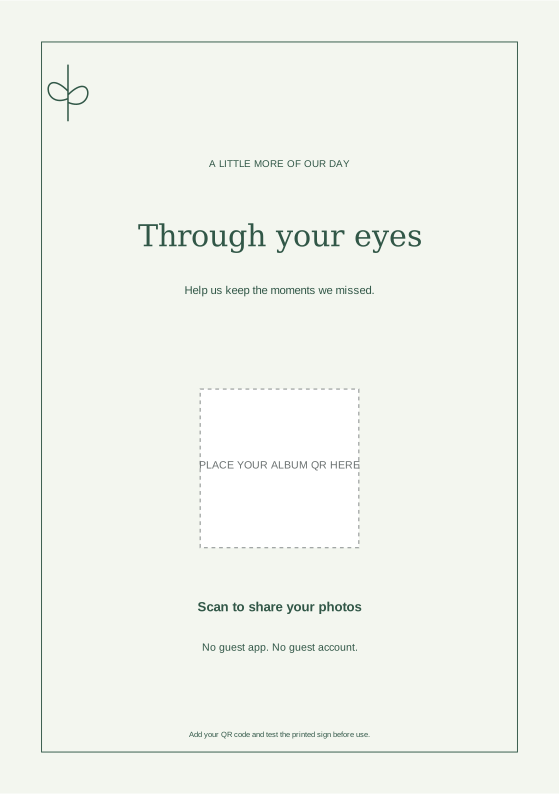
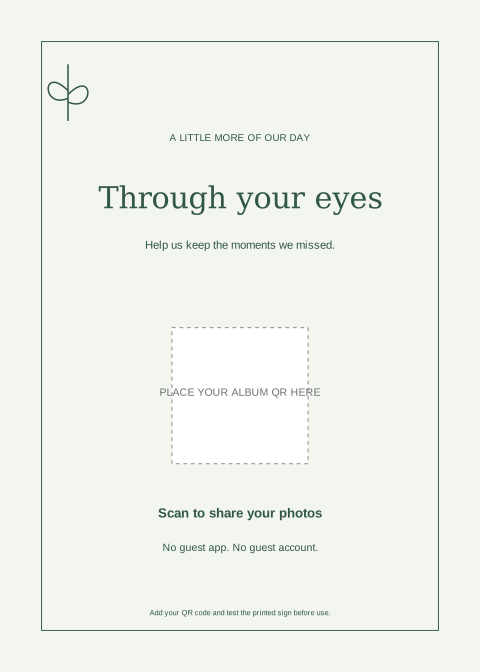
Classic type, a generous margin and a quiet ivory background.
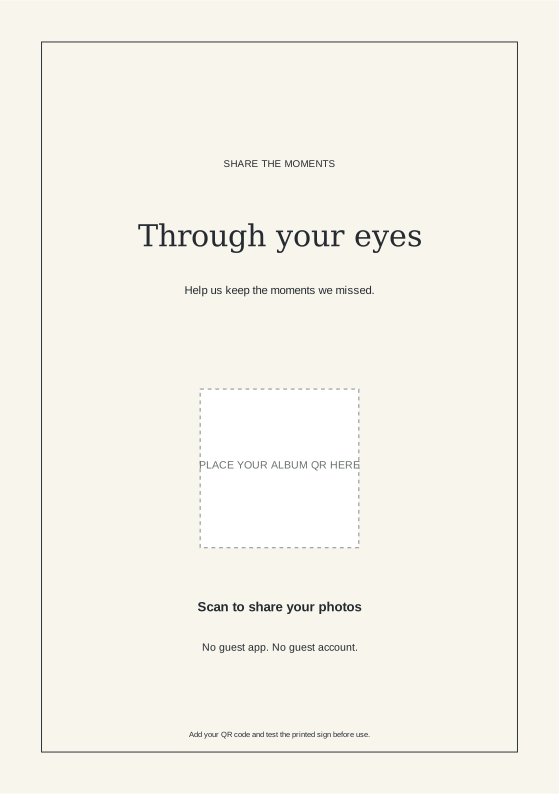
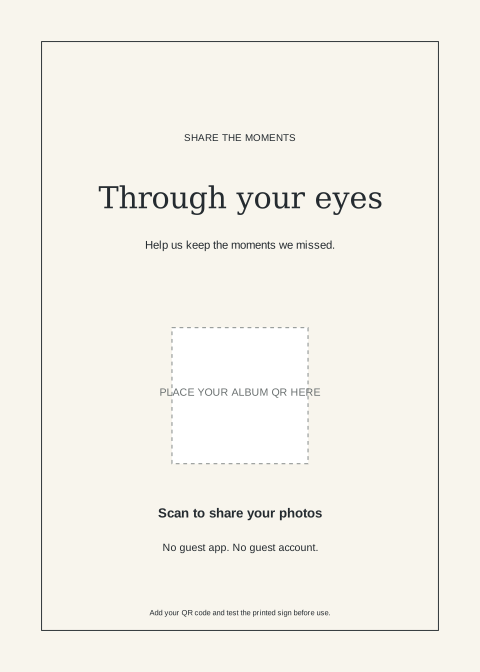
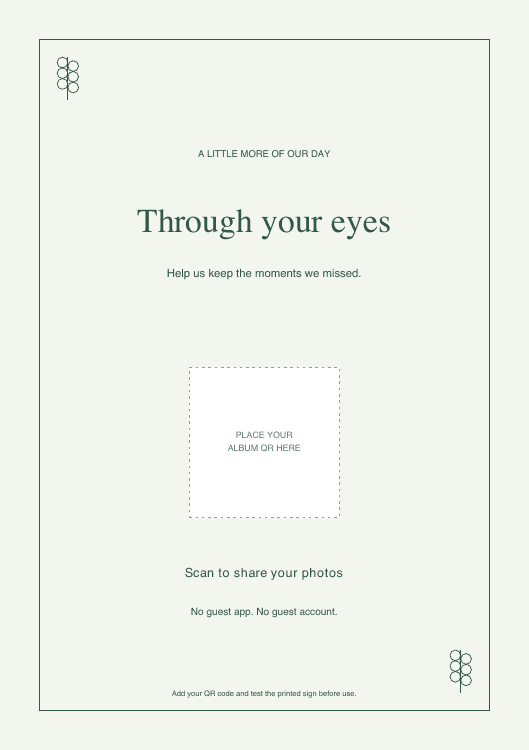
Botanical
A soft green border with simple leaf details.
Celebration
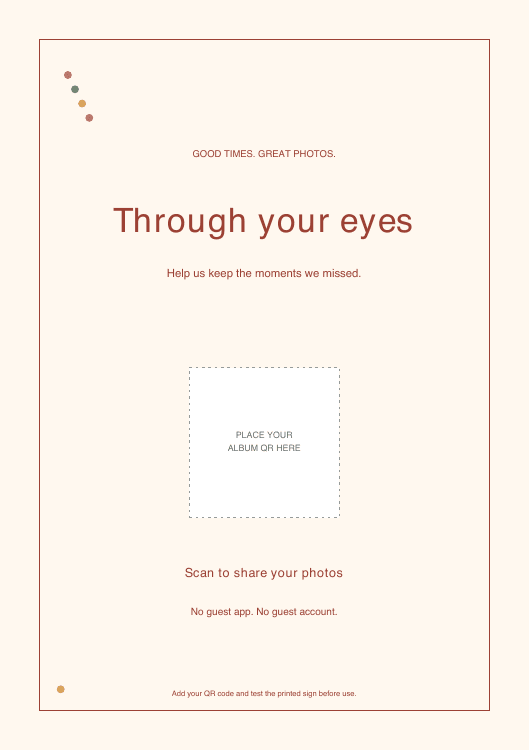
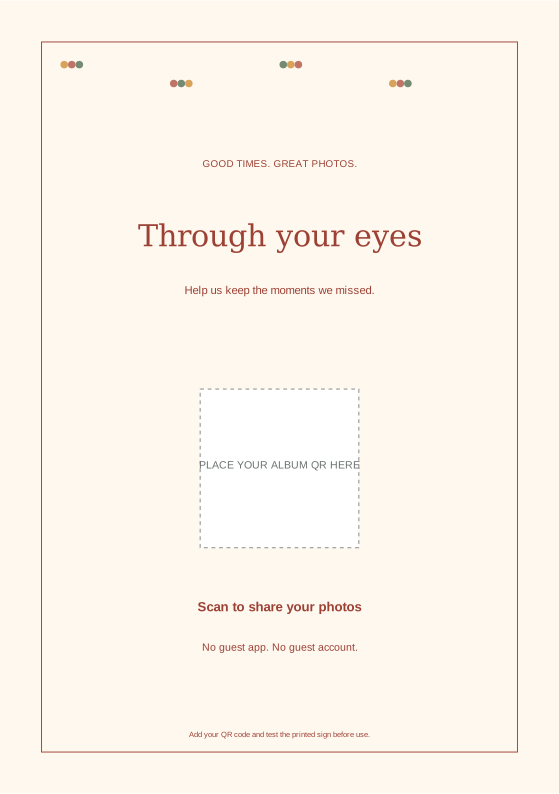
Warm colour and playful confetti for weddings, birthdays and parties.
How to add your album QR code
- Create and save your album. After purchase, start guest access and download its QR code from the album’s Share tools.
- Import the PDF or SVG into a design editor that supports it. Place your QR image inside the marked square, covering the placeholder label. These files do not generate a QR code for you.
- Keep the code square, with its white border intact. Use a code at least 30 mm wide on table cards; these templates reserve a larger area.
- Export a print-quality PDF and print at actual size. Use A5 paper for the A5 design or 5×7 inch stock for the smaller design.
- Scan the printed copy with an iPhone and Android phone. Confirm that it opens the right album and that guest access is active before printing the whole batch.
Where to put the signs
Place one near the guestbook and smaller copies on reception tables. Avoid glossy glare, folds through the code and flower arrangements that cover it. Ask your host to mention the album, then share its link again with your thank-you message.
Explore seven QR code display ideas →
Can I use these for another event?
Yes. You may adapt and print these original Evental designs for personal celebrations and client events, including with your stationer. Attribution and backlinks are optional. Please do not resell the unmodified template files as your own standalone product.
Wedding photo sharing · Birthday photo sharing · Venue staff kit